

Discover why the Next.js Link component outperforms traditional anchor tags for internal navigation. Learn the key differences, performance benefits, and practical implementation with real-world code examples to optimize your Next.js application.
Choosing the right navigation method in Next.js has a direct impact on application performance and user experience. The <Link> component is the recommended approach for internal navigation, while the standard <a> tag should be reserved exclusively for external links.
The fundamental difference lies in how each handles navigation. The <Link> component enables client-side navigation without full-page reloads, thereby maintaining the single-page application experience. In contrast, the <a> tag triggers a complete server round-trip, re-fetching the entire page and destroying all client-side state.
1import Link from 'next/link'
2
3// Client-side navigation - no page reload
4<Link href="/about">About Page</Link>
5
6// Server-side navigation - full page reload
7<a href="/about">About Page</a>Next.js automatically prefetches pages linked with <Link> when they appear in the viewport, loading them in the background for instant navigation. This prefetching can reduce perceived navigation time by up to 50%, creating a seamless user experience. Anchor tags lack any prefetching capability.
1import Link from 'next/link'
2
3export default function NavBar() {
4  return (
5    <nav>
6      {/* These pages will be prefetched automatically */}
7      <Link href="/home">Home</Link>
8      <Link href="/about">About</Link>
9      <Link href="/contact">Contact</Link>
10    </nav>
11  )
12}
In production, Next.js prefetches the entire page when no loading.jsx/tsx exists, or prefetches up to the first loading boundary when one is present. The client cache TTL varies accordingly—cached until app reload or for 30 seconds (configurable), respectively.
Template literals make linking to dynamic segments straightforward:
1import Link from 'next/link'
2
3interface Post {
4  id: number
5  title: string
6  slug: string
7}
8
9export default function PostList({ posts }: { posts: Post[] }) {
10  return (
11    <ul>
12      {posts.map((post) => (
13        <li key={post.id}>
14          <Link href={`/blog/${post.slug}`}>{post.title}</Link>
15        </li>
16      ))}
17    </ul>
18  )
19}Combine usePathname() with <Link> to highlight active navigation items:
1'use client'
2
3import { usePathname } from 'next/navigation'
4import Link from 'next/link'
5
6export function Navigation() {
7  const pathname = usePathname()
8
9  return (
10    <nav>
11      <Link
12        className={`link ${pathname === '/' ? 'active' : ''}`}
13        href="/"
14      >
15        Home
16      </Link>
17      <Link
18        className={`link ${pathname === '/about' ? 'active' : ''}`}
19        href="/about"
20      >
21        About
22      </Link>
23    </nav>
24  )
25}Control browser history by using the replace prop to prevent adding new entries to the history stack:
1import Link from 'next/link'
2
3export default function LoginPage() {
4  return (
5    <Link href="/dashboard" replace>
6      Go to Dashboard
7    </Link>
8  )
9}
When replace={true}, clicking the browser's back button skips the replaced page entirely.
The <Link> component scrolls to the top of new pages by default. Disable this behavior when needed:
1import Link from 'next/link'
2
3export default function Page() {
4  return (
5    <>
6      {/* Scroll to specific section */}
7      <Link href="/dashboard#settings">Settings</Link>
8
9      {/* Prevent auto-scroll */}
10      <Link href="/#section" scroll={false}>
11        Stay at current position
12      </Link>
13    </>
14  )
15}Pass query parameters using an object syntax:
1<Link
2  href={{
3    pathname: '/products',
4    query: { category: 'electronics', sort: 'price' },
5  }}
6>
7  Electronics
8</Link>Control prefetching behavior for resource optimization:
1import Link from 'next/link'
2
3export default function Footer() {
4  return (
5    <Link href="/privacy" prefetch={false}>
6      Privacy Policy
7    </Link>
8  )
9}
Automatic prefetching only runs in production mode. Setting prefetch={false} prevents background loading until the user clicks.
Implement custom prefetch behavior for fine-grained control:
1'use client'
2
3import Link from 'next/link'
4import { useState } from 'react'
5
6export function HoverPrefetchLink({
7  href,
8  children
9}: {
10  href: string
11  children: React.ReactNode
12}) {
13  const [active, setActive] = useState(false)
14
15  return (
16    <Link
17      href={href}
18      prefetch={active ? null : false}
19      onMouseEnter={() => setActive(true)}
20    >
21      {children}
22    </Link>
23  )
24}
This pattern defers prefetching until the user shows intent by hovering, balancing performance with resource consumption.
Programmatically prefetch routes outside the viewport or based on user behavior:
1'use client'
2
3import { useRouter } from 'next/navigation'
4import { useEffect } from 'react'
5
6export default function HomePage() {
7  const router = useRouter()
8
9  useEffect(() => {
10    // Prefetch critical pages on mount
11    router.prefetch('/pricing')
12    router.prefetch('/features')
13  }, [router])
14
15  return <div>Welcome to our app</div>
16}Use <Link> for:
Use <a> for:
1import Link from 'next/link'
2
3export default function Navigation() {
4  return (
5    <nav>
6      {/* Internal navigation */}
7      <Link href="/about">About Us</Link>
8
9      {/* External link */}
10      <a
11        href="https://github.com/vercel/next.js"
12        target="_blank"
13        rel="noopener noreferrer"
14      >
15        GitHub
16      </a>
17
18      {/* Download link */}
19      <a href="/documents/report.pdf" download>
20        Download Report
21      </a>
22    </nav>
23  )
24}Both approaches remain SEO-friendly since <Link> renders as an <a> tag under the hood, ensuring search engine crawlers can follow links properly. The component maintains accessibility standards while delivering superior performance.
The performance difference is substantial—<Link> components eliminate network requests for already-loaded assets and maintain the JavaScript runtime, creating responsiveness comparable to native applications. State preservation during navigation means forms, scroll positions, and component data persist across route changes.
Continue exploring similar topics
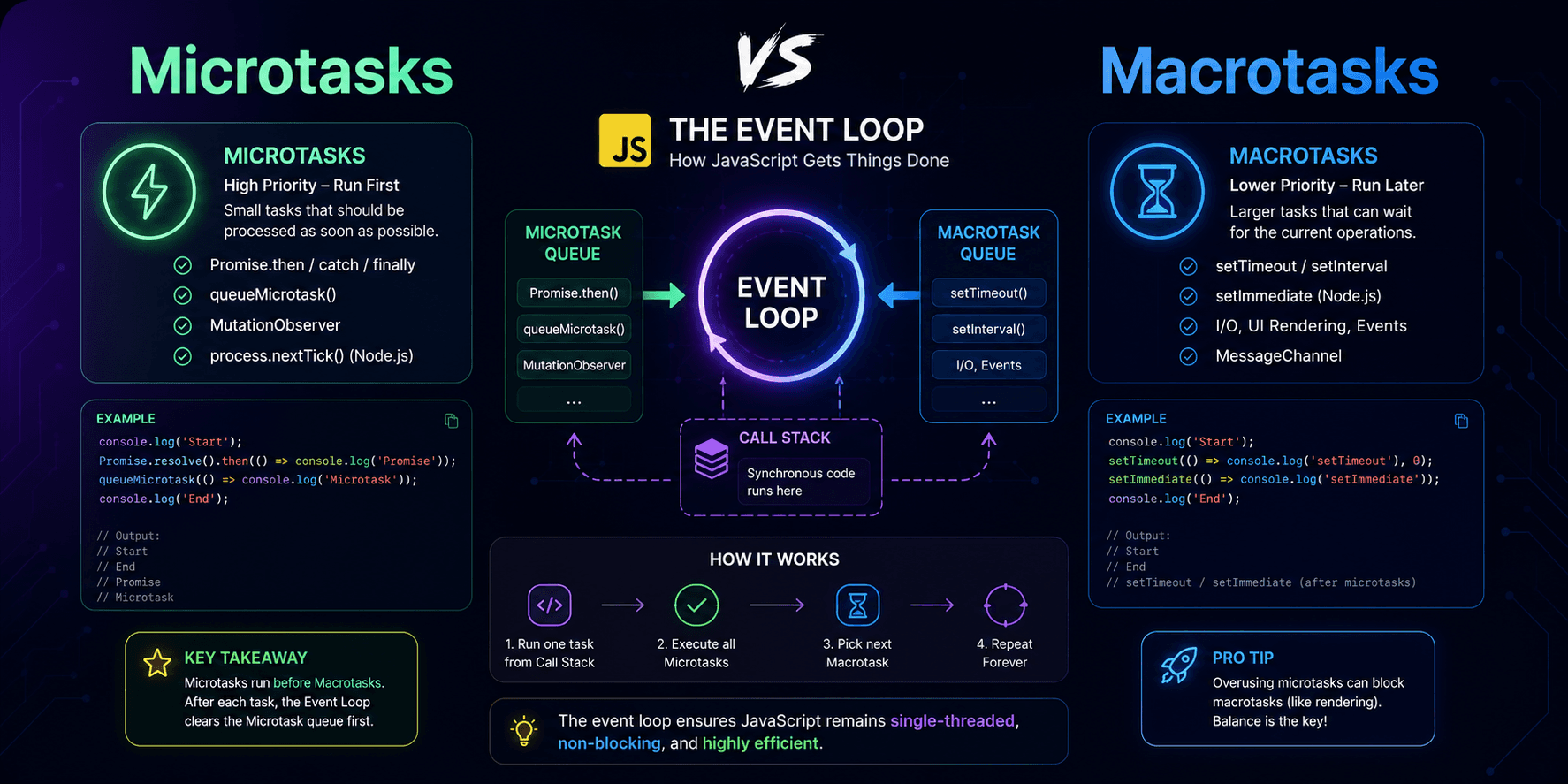
This article explains JavaScript microtasks and macrotasks in practical terms, showing why `Promise.then()` usually runs before `setTimeout(..., 0)` and how the event loop prioritizes different kinds of asynchronous work.

Animation Keys is a collection of essential UI animation terms that explain how motion can guide attention, provide feedback, show relationships between states, and improve the overall user experience in digital products.
Learn when and why to use React's useCallback hook to optimize your application's performance. This comprehensive guide covers practical use cases, real-world examples, common pitfalls, and best practices to help you make informed decisions about memoizing functions in your React components.